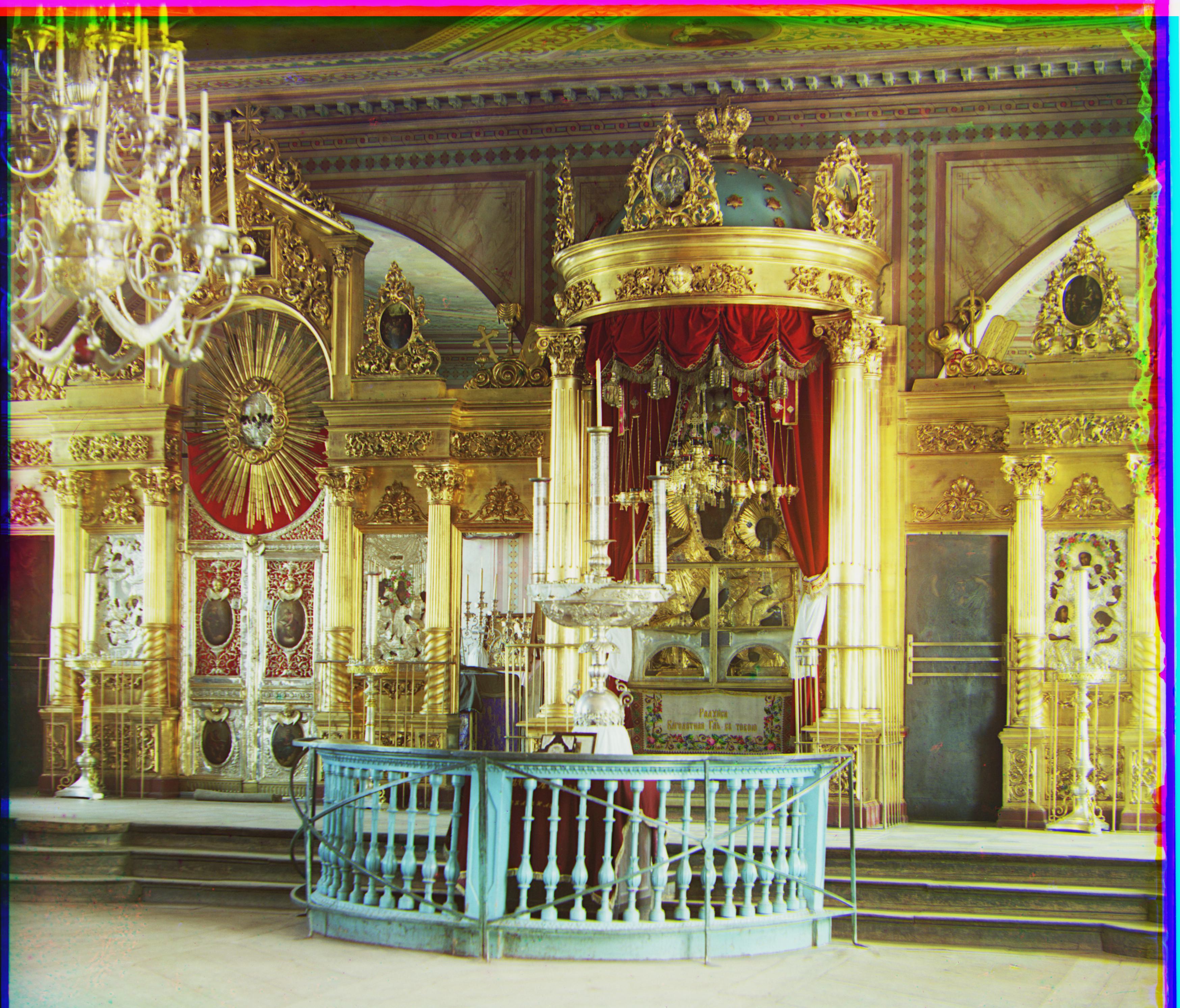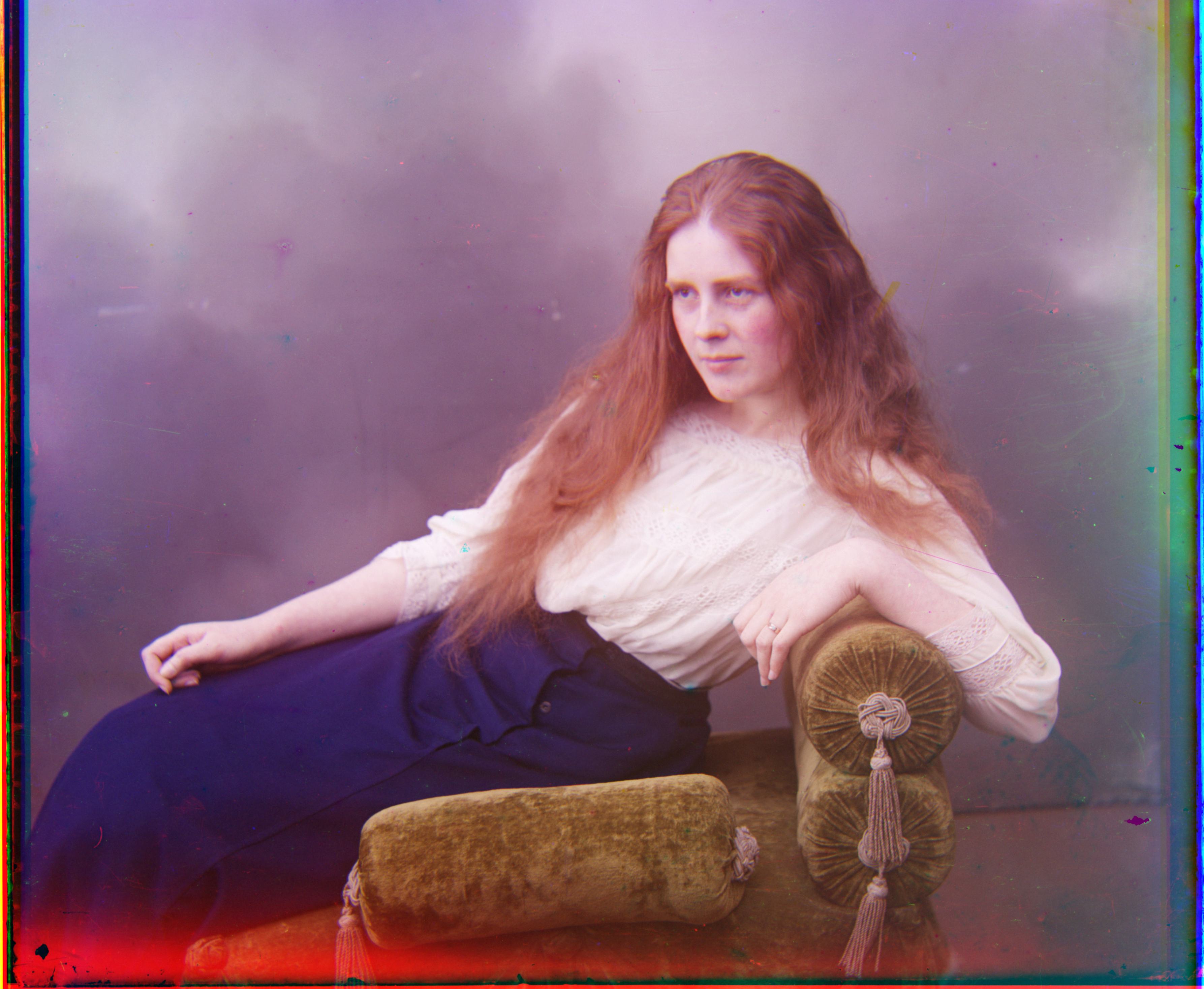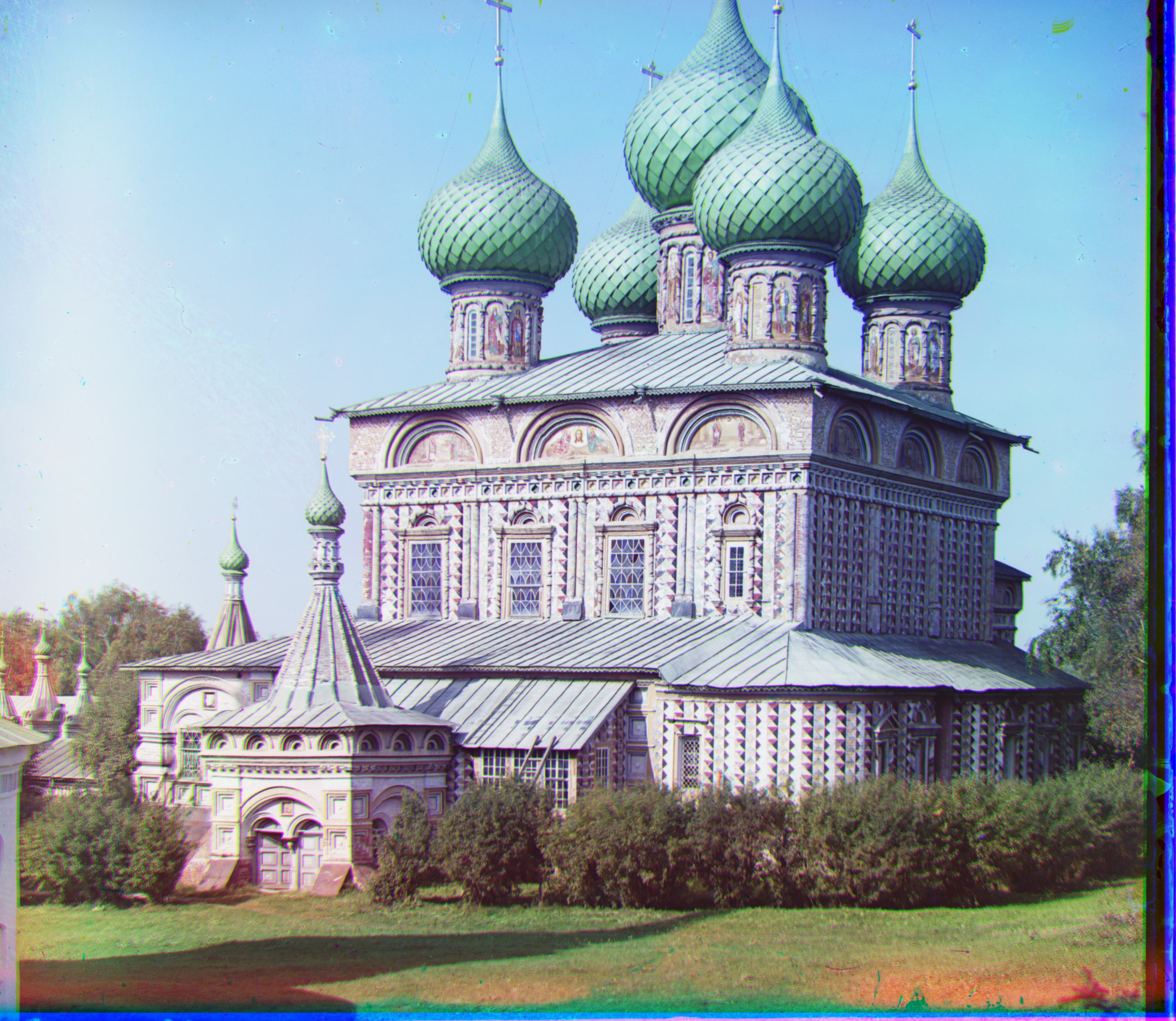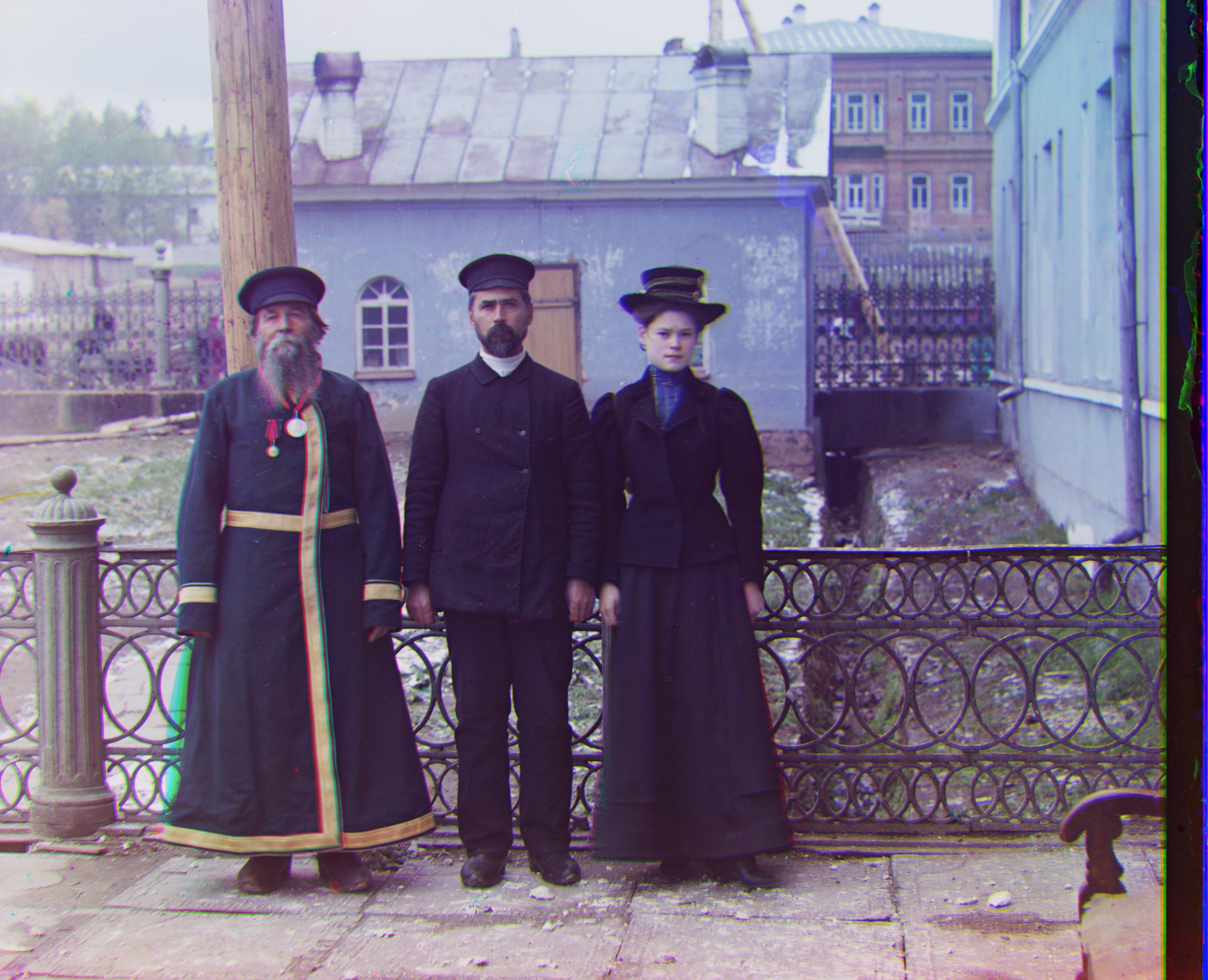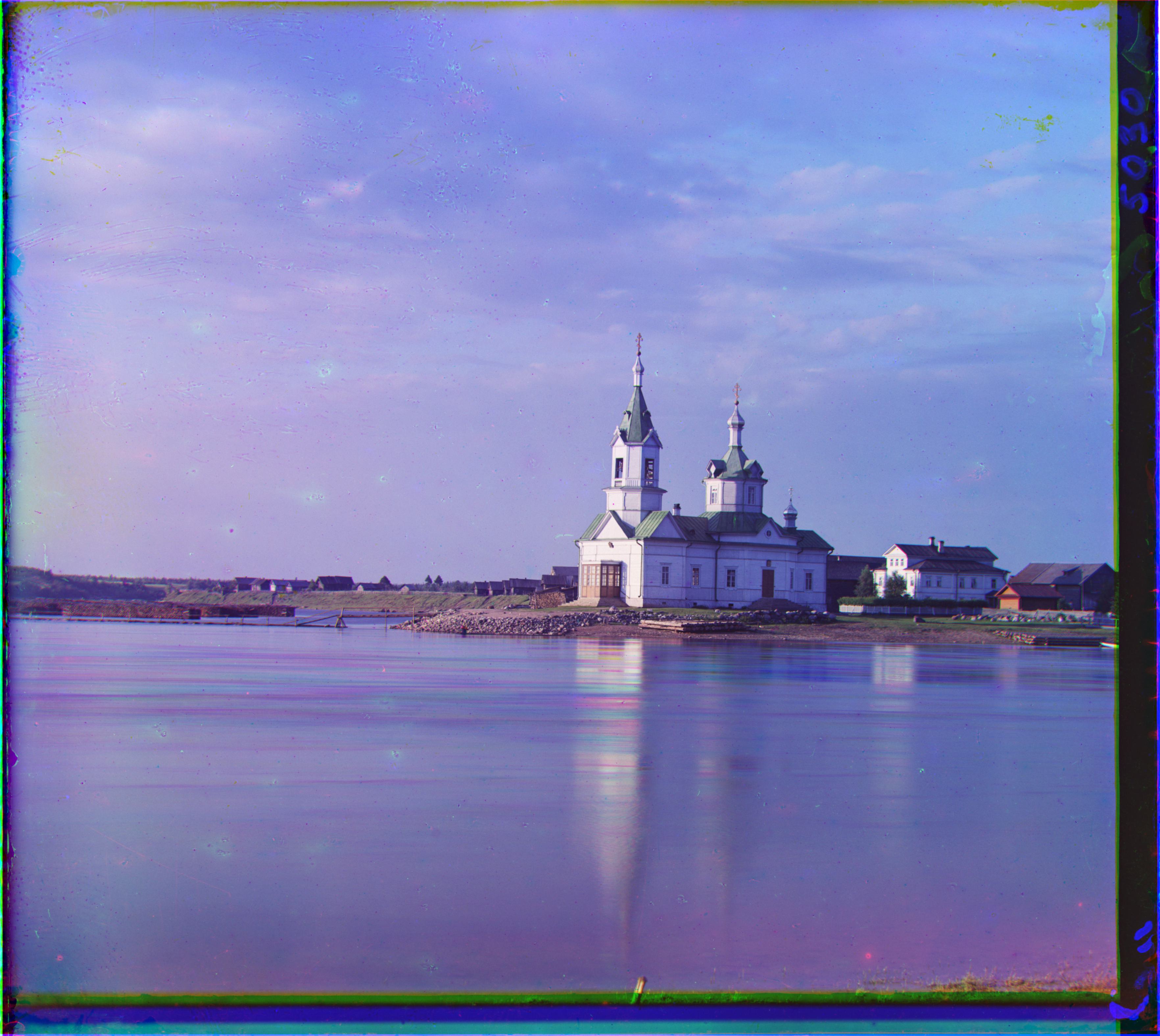
Project 1: Images of the Russian Empire: Colorizing the Prokudin-Gorskii Photo Collection
Ethan Tam
Overview
Prokudin-Gorskii was a Russian photographer and scientist in the early 1900s who worked towards color photography. By creating red, blue, and green filters of the same image, he envisioned a time when these images could be stacked together to create a singular colored image.
Single-scale Search
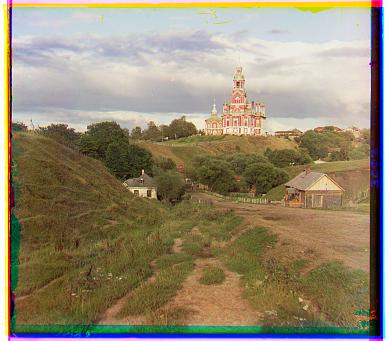
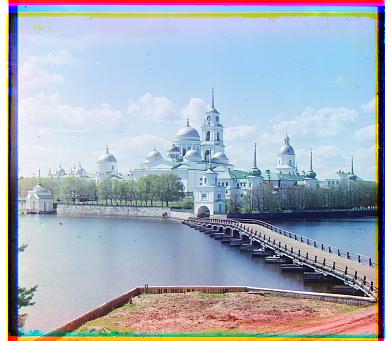
I first implemented a single-scale search that iterated over a window of possible displacements, anywhere between [-20, 20]. This brute force algorithm used the Sum of Squared Differences (SSD) to calculate the best (lowest) score for a given displacement of a target image on a reference image. I specifically aligned the red and blue channels on the green channel. This was effective in aligning smaller .jpg images. I noticed that better alignment occurred when processing channels without their borders, so I cropped off the 10% of the top, bottom, left, and right of the images prior to the single-scale search.
Multiscale Pyramid Search
The single-scale search is too slow on larger .tif files. To optimize runtime, I employed the image pyramid technique, in which both the target and reference images are recursively rescaled and processed to find the best displacement vector. I followed the steps below for my implementation:
- Check if the image height is less than or equal to 300. If so, run the brute force search with a [-20,20] window.
- Otherwise, make copies of and rescale the target and reference images to half their resolution.
- Recursively call the image pyramid function with the rescaled images to find the displacement vector of those rescaled images.
- Adjust the target image (not the rescaled one!) with the found displacement vector multiplied by 2 to account for the rescaling.
- Run the brute force search on the shifted target image and the reference image with a [-20,20] window to find the displacement vector of those images.
- Return a displacement vector containing the output values of Step 5 and the values of Step 3 multiplied by 2.
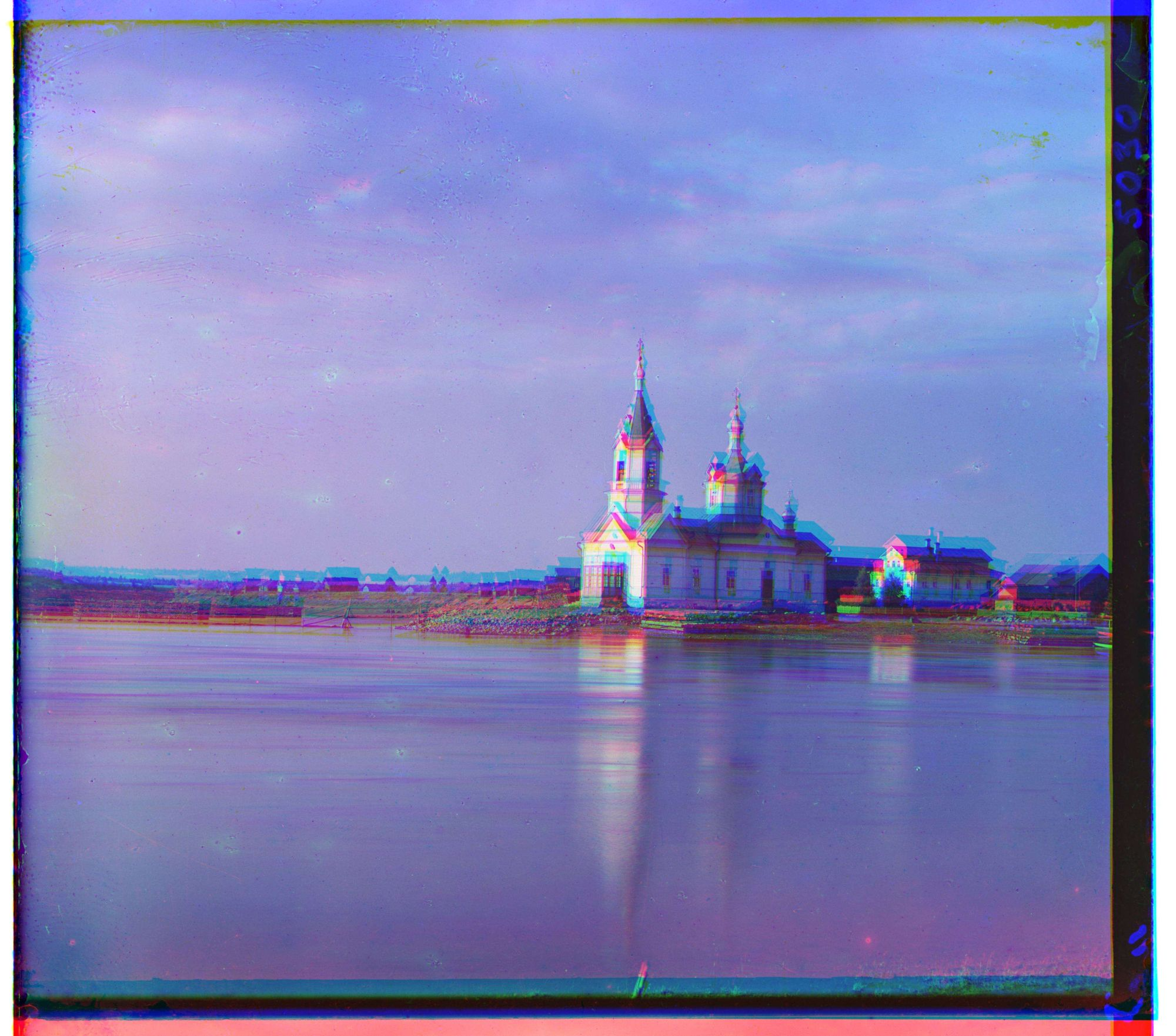
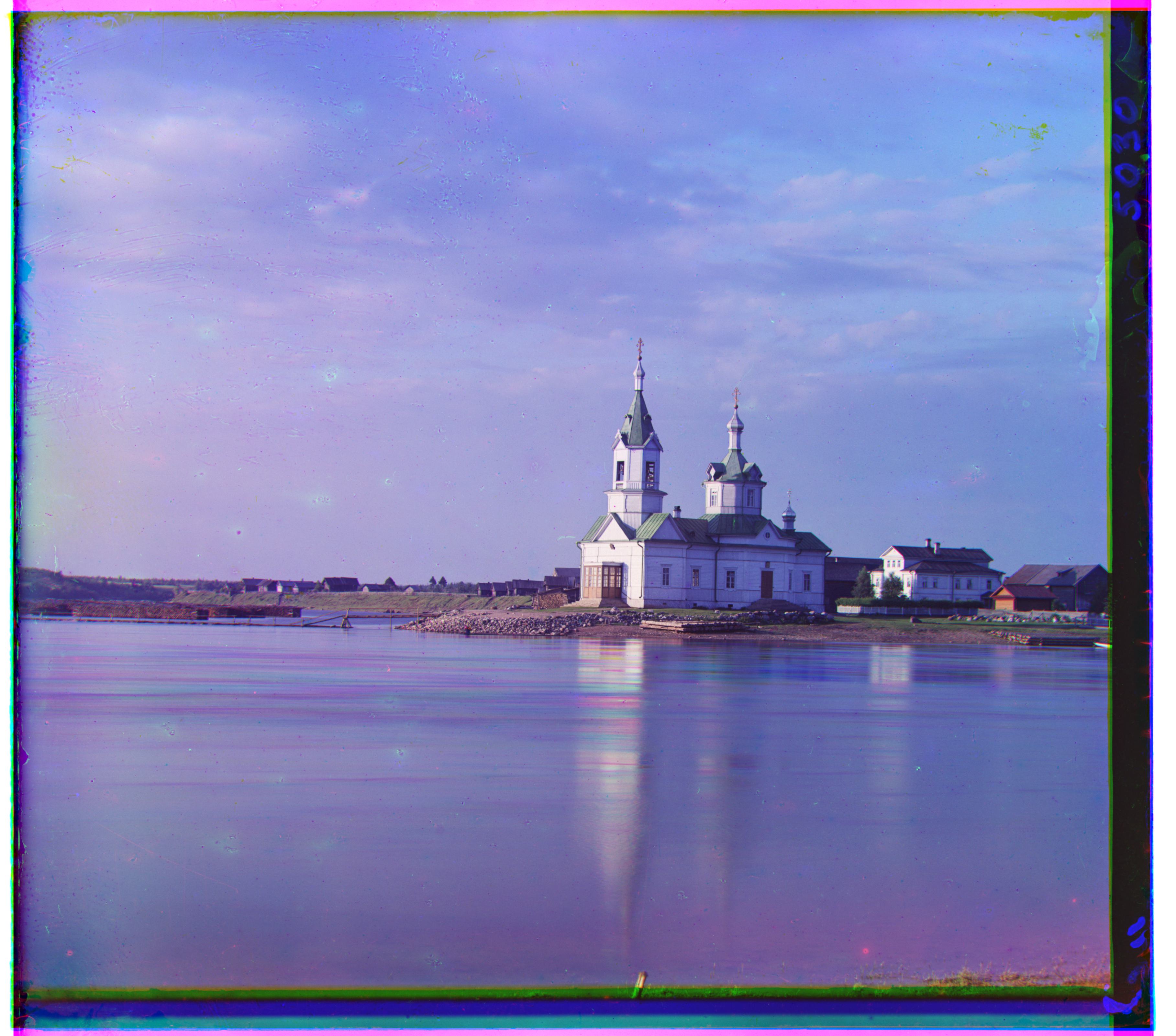
Bells & Whistles
Edge Feature
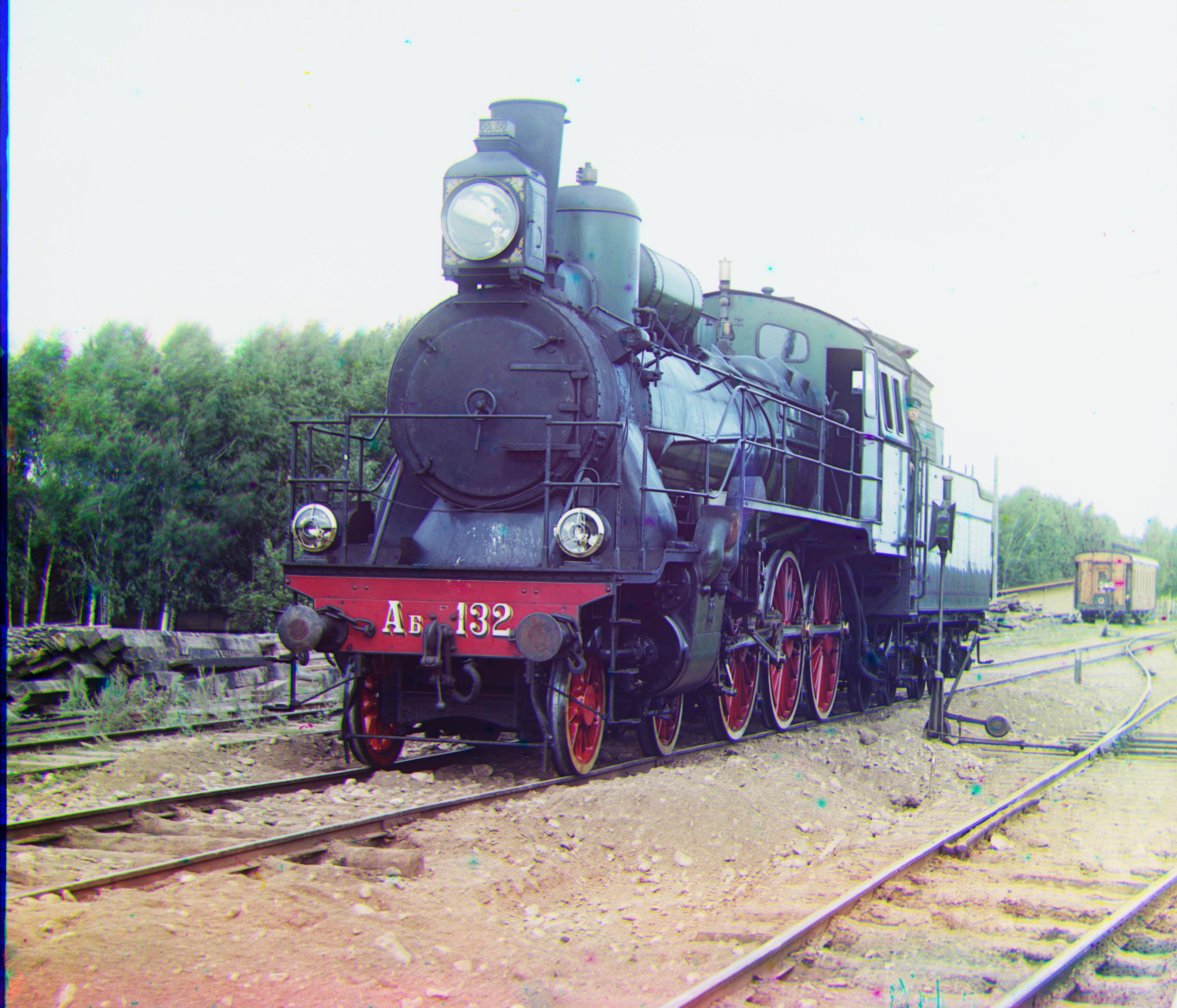
I noticed that there was difficulty aligning some images with the raw pixel values, specifically for the emir.tiff and train.tiff files. So, I employed a Hessian filter on my target and reference images to get information about the edges rather than pure raw pixel values. After that, the images were aligned much better.
Automatic Cropping
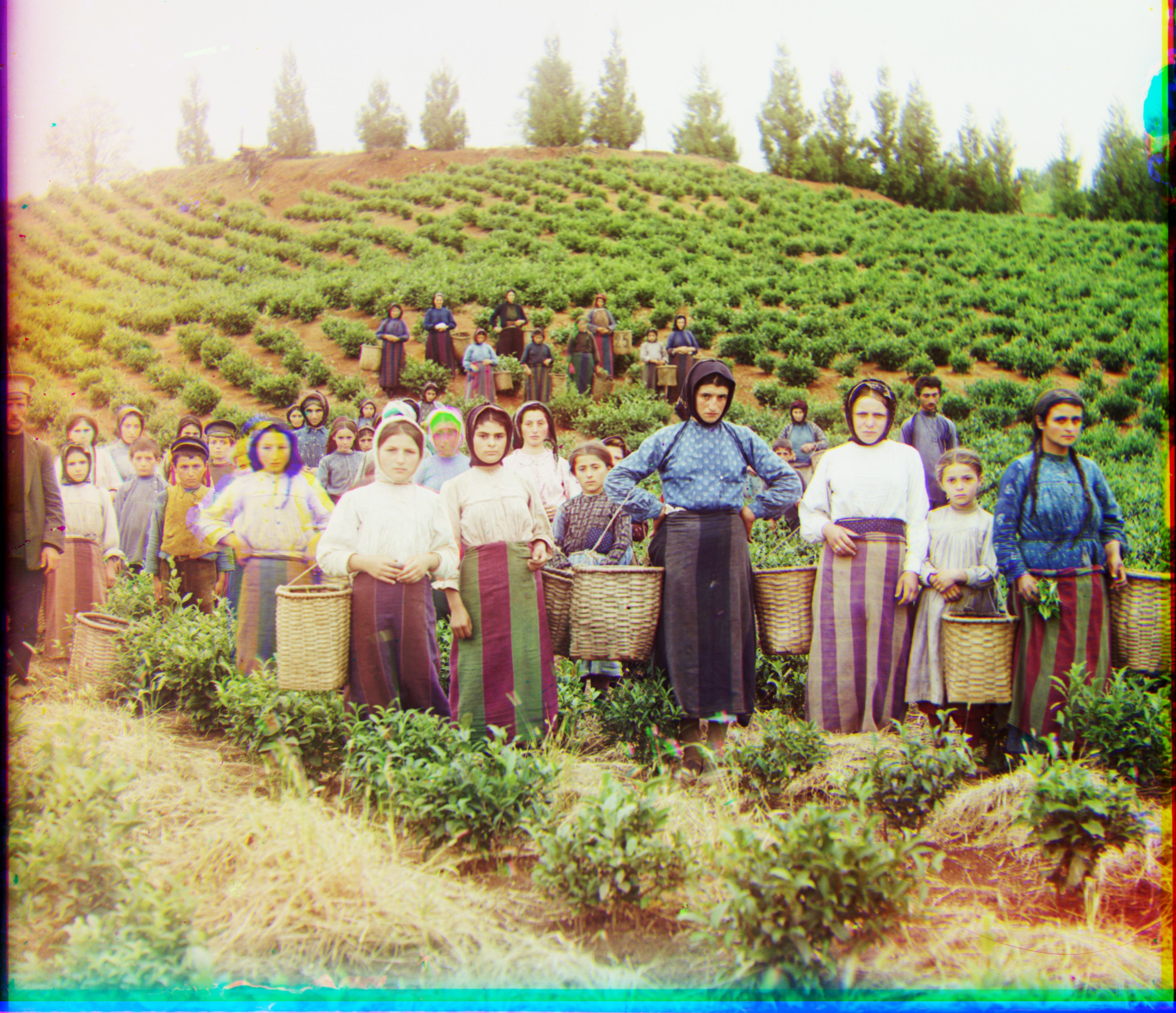
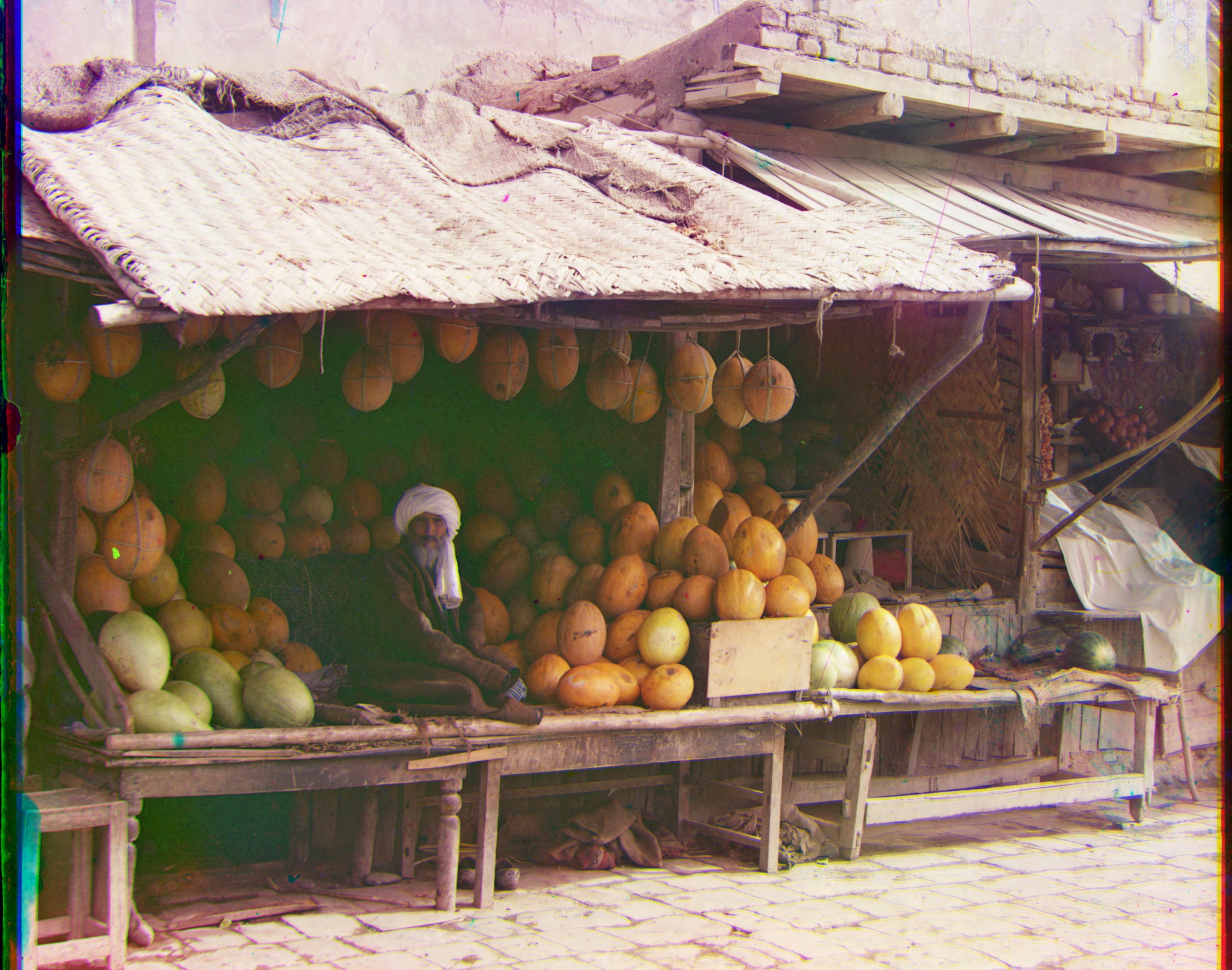
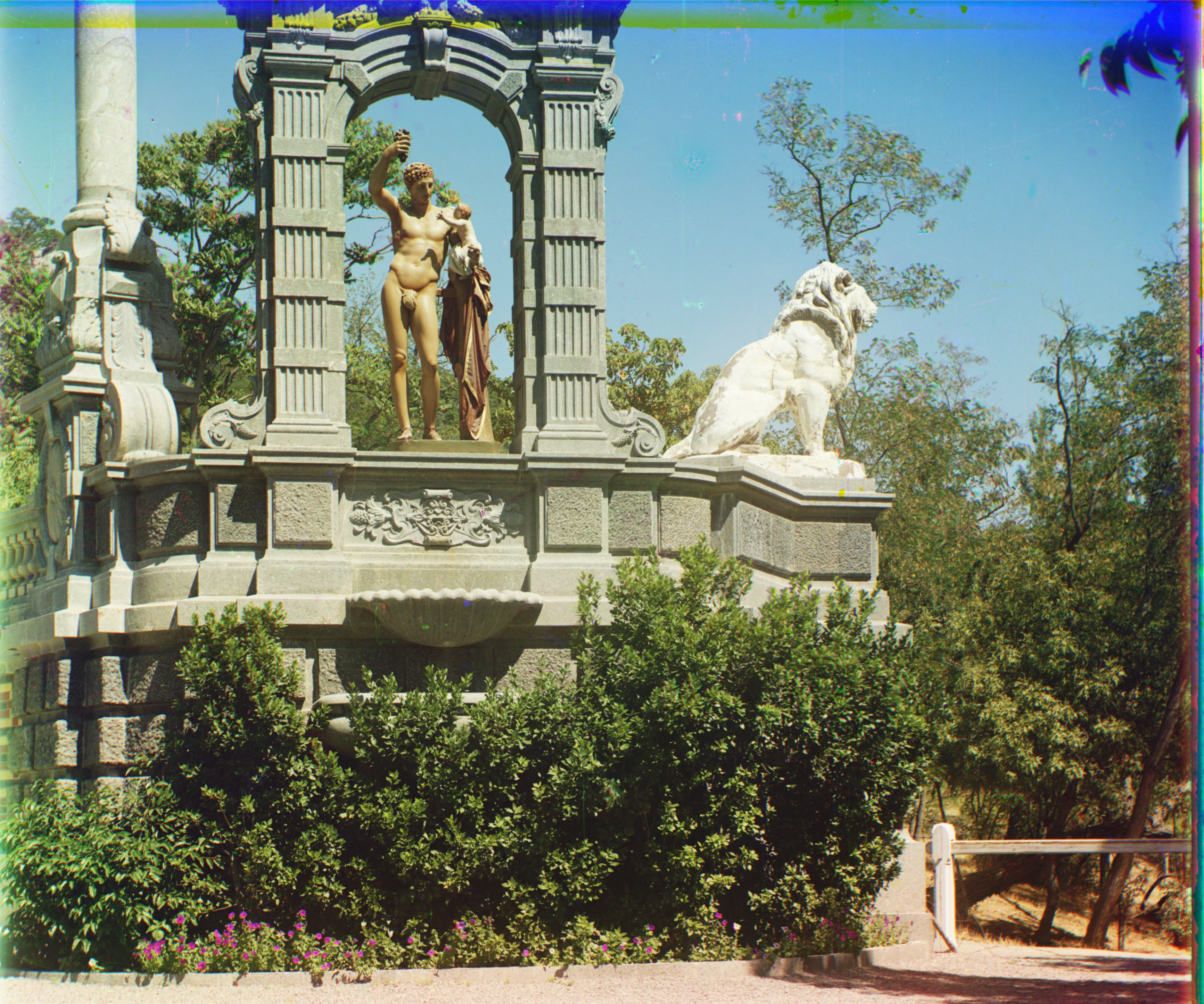
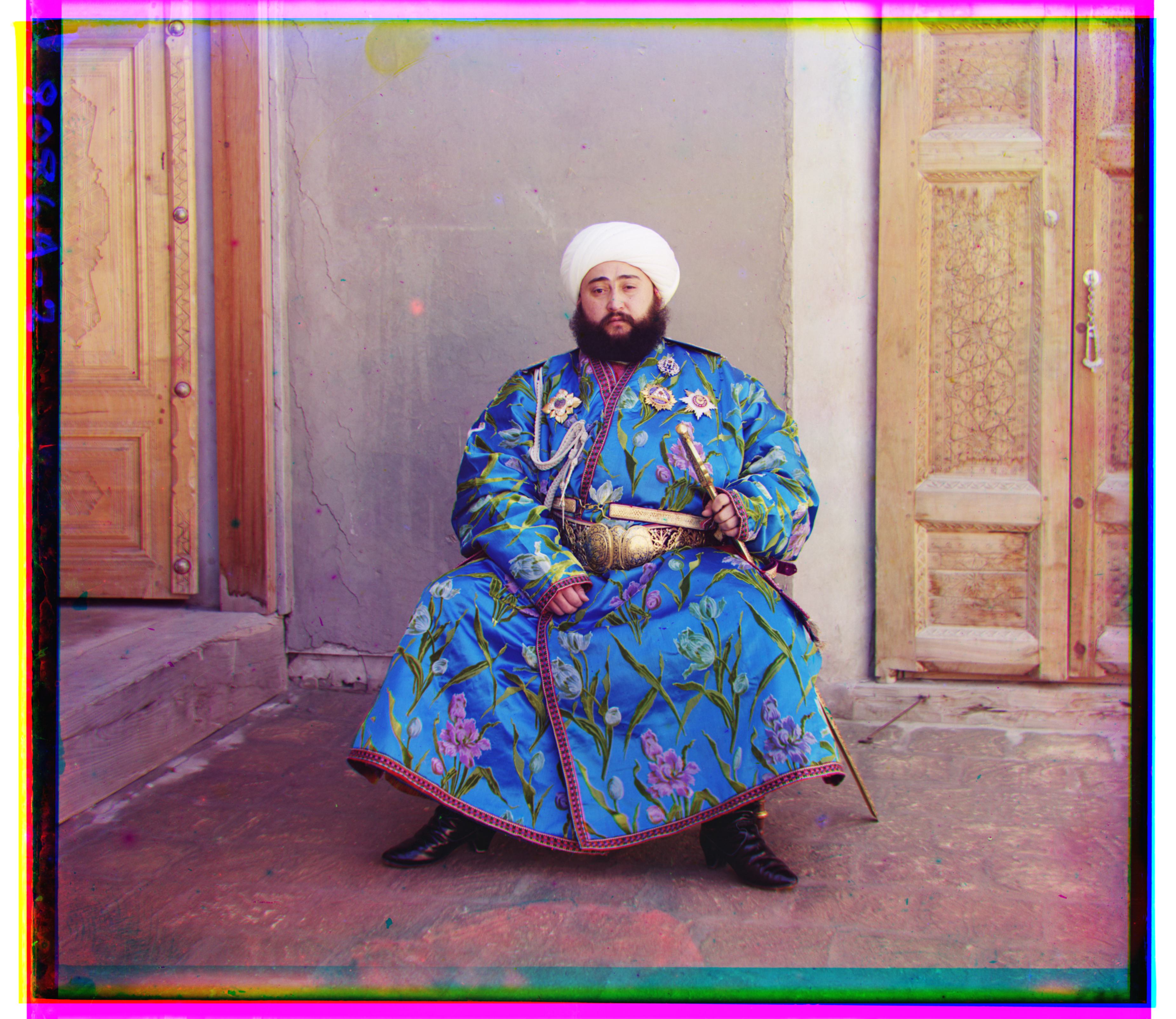
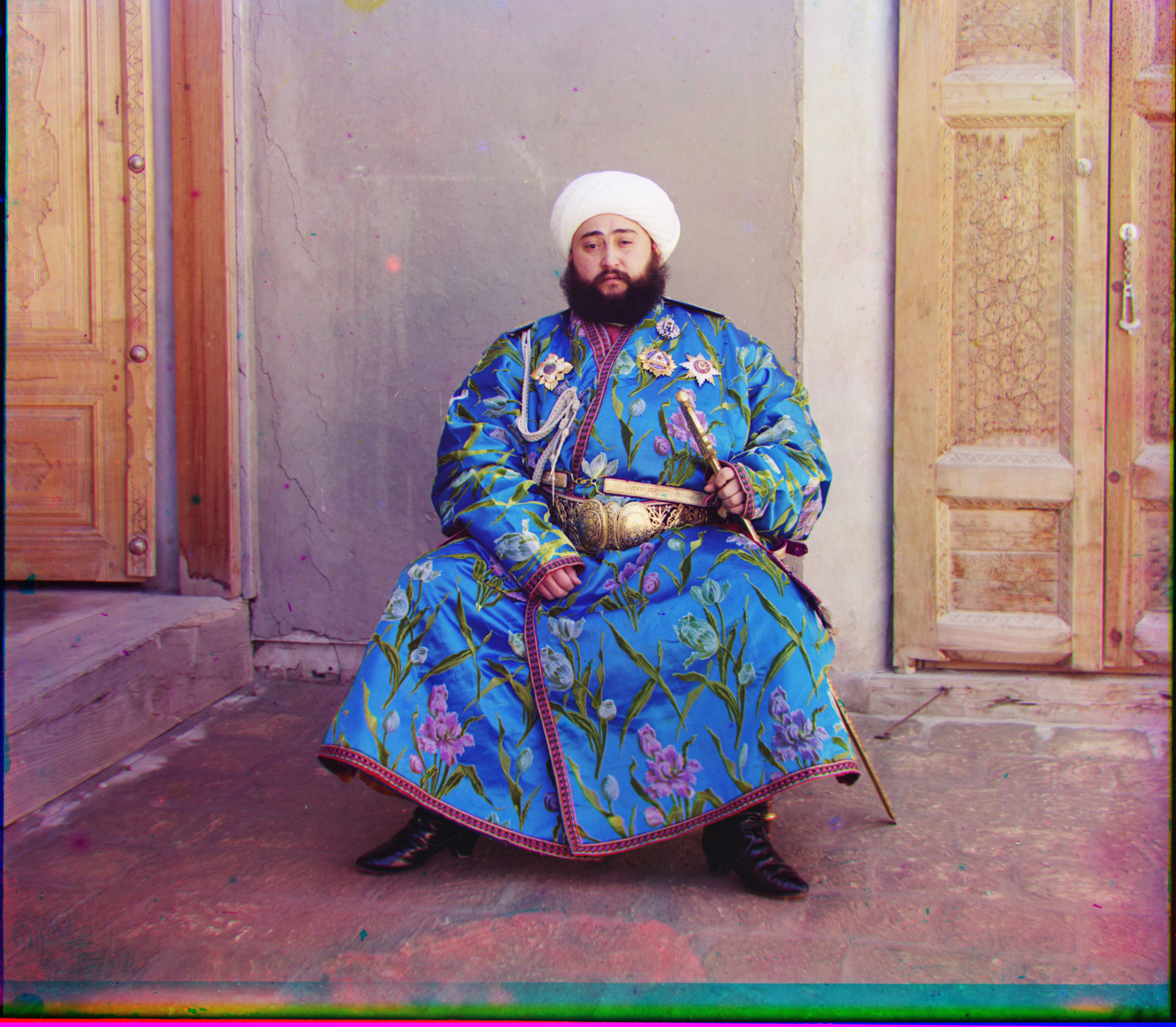
After processing, the stacked output images tended to have black and/or white borders around them as well as some bright blue/pink. I created an automated cropping algorithm that detected when to crop the borders. I first ensured that the algorithm never cropped beyond 16% (8% left/up and 8% right/down) of the image to prevent over-cropping. Next, I set the lower and upper threshold values. Starting at each of the top row, bottom row, left column, and right column, the final step was calculating the mean value of a given row/column and keeping the index at where to crop if the value lay outside of the threshold range. The algorithm was conservative but still produced nicely cropped outputs. As seen below on emir.tif, it isn’t quite perfect yet, but I think with more time adjusting the parameters it could be better at cropping out the brightly colored rows and columns.
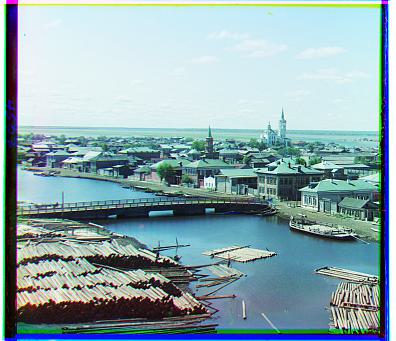
Final Results (image pyramid + extra credit features)